Turn scans into editable text
On-device OCR for scanned PDFs, images and screenshots.
Convert Excel worksheets into Markdown tables for a README, documentation or notes. Blank spacer columns — the ones many spreadsheets use for visual separation — are removed so the table reads properly.
Drop a .xlsx or .xlsm or .xlsb file here
Word, PDF, Excel, PowerPoint & more
Choose a fileor drag and drop it here
This worksheet contains three columns and two tasks. Its first row becomes the header of a Markdown table you can paste into a README. Charts and cell styling are not included.
Sheet: Release plan

Task         | Owner | Status
Write guide  | Alex  | Done
Review copy  | Sam   | In progress
| Task | Owner | Status |
| --- | --- | --- |
| Write guide | Alex | Done |
| Review copy | Sam | In progress |
Try it yourself: Download the Excel sample Download its Markdown
 ANYMARKDOWN FOR iPHONE & iPAD
Enjoy the web converter? Take AnyMarkdown with you. Scan documents, refine your writing and keep your library close — wherever you work.
Get AnyMarkdown on the App StoreFree to try · In-app purchases for Pro · iPhone & iPad
On-device OCR for scanned PDFs, images and screenshots.
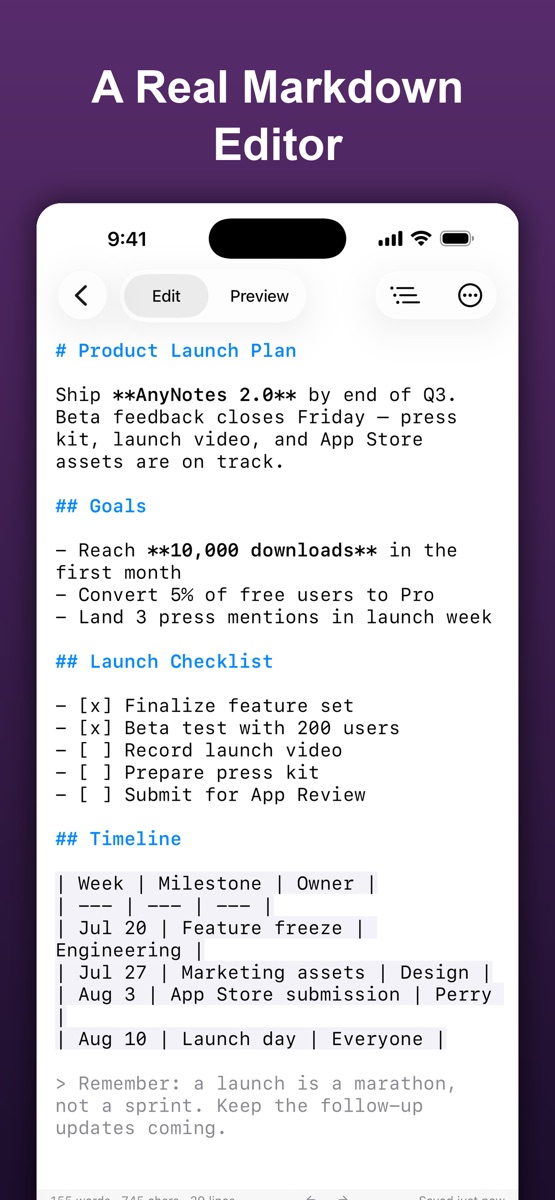
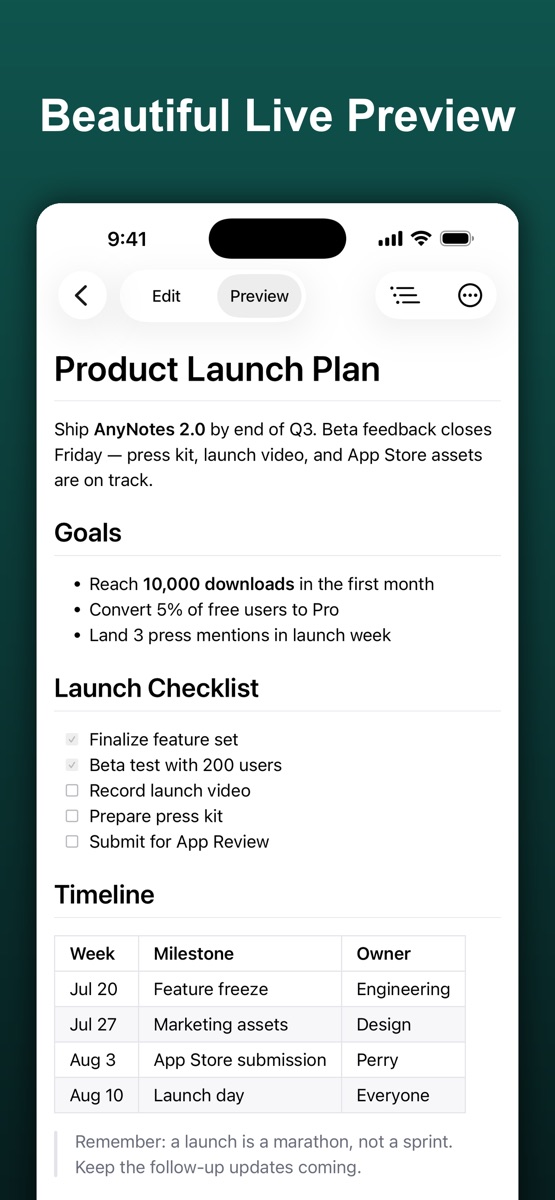
Syntax highlighting, a visual table editor and live preview.
Organize your documents, sync with iCloud and export Markdown, HTML or PDF.

.md file.A known bug in the current engine synthesises a blank header row whenever a sheet contains a fully empty column, pushing the real header down into the body. This site corrects that before showing you the result.
No. A .xlsm is a .xlsx that may carry VBA. Only cell values are read; macros are never executed.
No. The converter is a WebAssembly build of the anydoc engine that runs inside your browser tab. Your file is read into memory, converted, and discarded when you close the page. Nothing is transmitted, stored, or logged.